No manual setup
The launcher detects the client automatically. You don't need to choose a version, change folders or edit any files.

PaulistinhaOT offers two clients: CipSoft 15.30 and PTC, the server's own client. DrenoxBot works on both — the launcher detects which one is open and configures the setup on its own. Pro plan, with 1 free hour.
Whether you play on CipSoft or PTC, DrenoxBot adapts to whichever client is running.
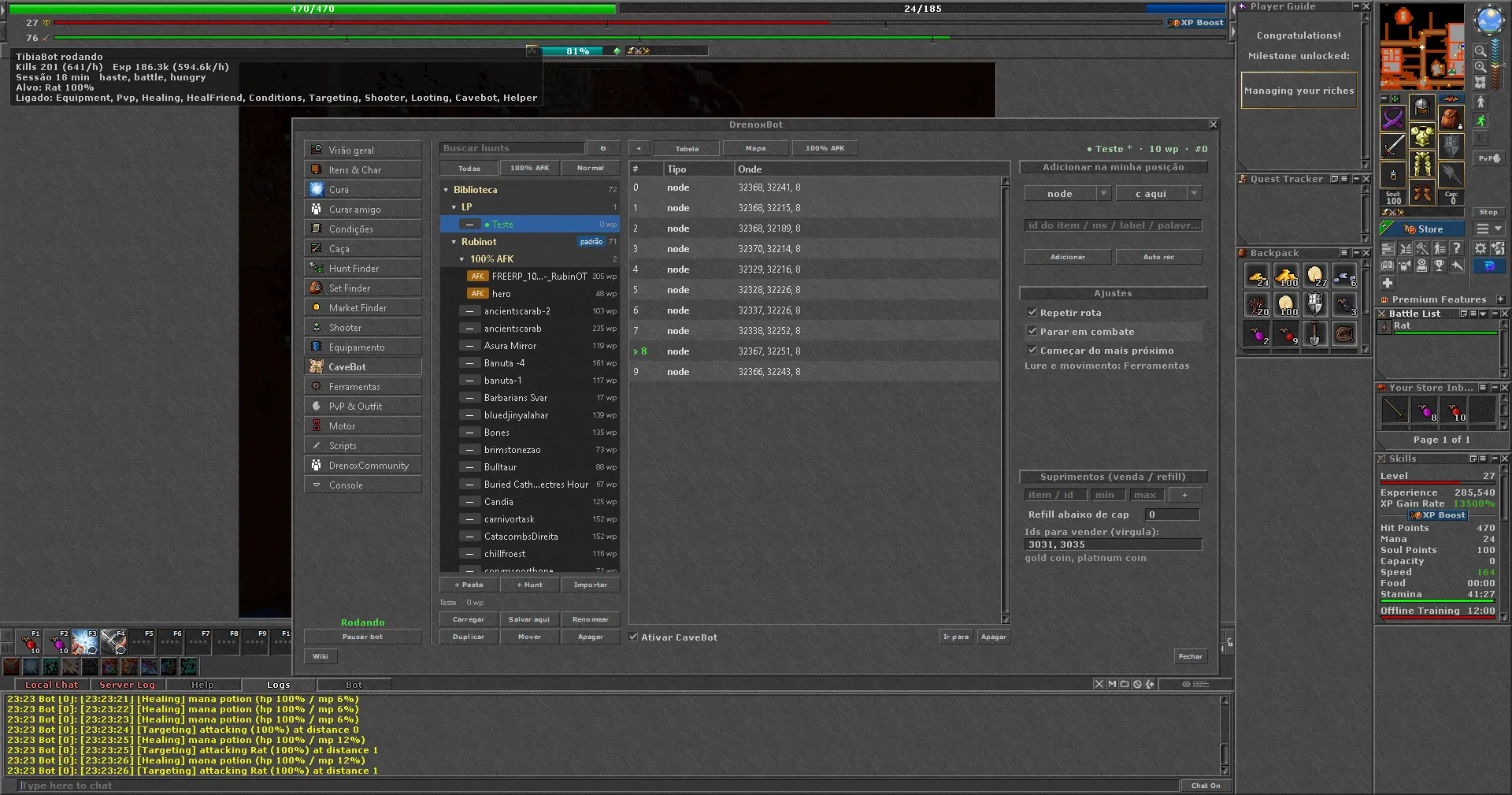
The launcher detects the CipSoft 15.30 client, handles login automatically and opens the bot panel. Same process as other OTs with a CipSoft client.
PTC is PaulistinhaOT's own client. DrenoxBot works on it without changing any client files. The launcher detects and configures it on its own.
DrenoxBot works on both the CipSoft 15.30 client and the PTC, without changing any client files. The launcher detects which one is open and configures everything on its own.
The launcher detects the client automatically. You don't need to choose a version, change folders or edit any files.
DrenoxBot works without modifying PTC or CipSoft client files. Nothing is installed inside the client folder.
Cavebot, healing, targeting and scripts work the same way on both clients. The experience is identical.
PaulistinhaOT — paulistinhaot.com
CipSoft 15.30 + PTC (server client)
Pro
None
Get the client (CipSoft or PTC) from paulistinhaot.com and the DrenoxBot launcher from the download page. Create your free account.
The launcher automatically detects which client is open — CipSoft 15.30 or PTC — and configures everything with no manual steps.
Log in normally. The bot opens its tabs inside the client. Use the Hunt Finder to set up targeting and healing or build your route in the CaveBot.
Yes. It works on both clients: CipSoft 15.30 and PTC (the server's own client). The launcher detects which is open and adjusts the setup automatically.
PTC is PaulistinhaOT's own client. CipSoft is the official client at version 15.30. The bot works on both: the launcher handles login automatically and configures everything on its own, without changing any client files.
Yes. The launcher automatically detects which client is open — CipSoft or PTC — and configures everything on its own. No manual configuration.
No. PaulistinhaOT has no anti-cheat. The Pro plan is enough for both clients.
No. The bot works without changing any client files, whether on PTC or CipSoft.