Download the AvaloriumOT client.
From the official site: avaloriumot.com. Install it and keep it closed.

AvaloriumOT uses the standard CipSoft client. DrenoxBot detects the client, opens the bot inside the game and the Hunt Finder sets up the hunt for you. Never used a bot? The first use guide takes 5 minutes. Pro plan, with 1 free hour.
If you have never used a Tibia bot, AvaloriumOT is a great place to start. The client is standard, the setup is automatic and the Hunt Finder does the initial configuration for you.
From the official site: avaloriumot.com. Install it and keep it closed.
Join the community and download the DrenoxBot launcher. No card needed, the 1 free hour starts on first use.
Click Add, pick the AvaloriumOT .exe and click Start bot. The launcher does the rest.
Log in and open the Hunt Finder. It suggests the hunt for your level, sets targeting, healing and equipment. Load the CaveBot route and start hunting.
Detailed walkthrough: first use in 5 minutes. CaveBot docs.
DrenoxBot opens its tabs inside the game client. No separate window, no alt-tab.
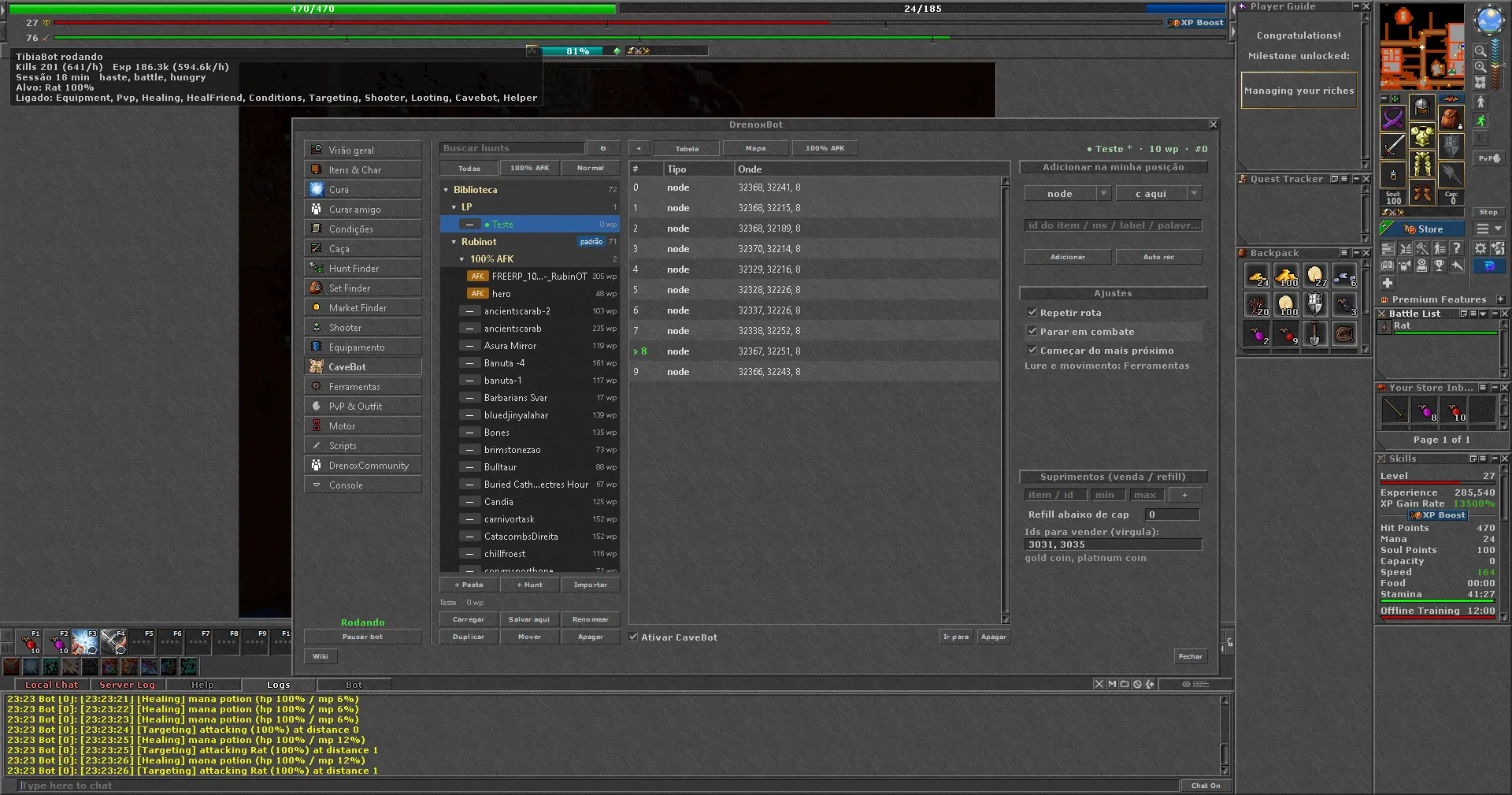
Healing rules by health and mana percentage. Friend healing, haste, buffs and auto food. Works with AvaloriumOT's standard spells and potions.
Target priority by monster type, distance by vocation and attack spells. The Hunt Finder adjusts everything for the chosen hunt.
Waypoint routes with lure, refill and selling. Import ZeroBot .cb routes through the library or record your own by walking in the game.
Scripts in ZeroBot format run without changes. For custom scripts, use the DrenoxBot API. All in the Scripts tab inside the client.
Other OTs: OTServer bot, ThorniaOT, TaleonOT, KingAslanOT, TyronOT, PaulistinhaOT.
Yes. AvaloriumOT uses the standard CipSoft client, which works on the DrenoxBot Pro plan. The launcher detects the client and opens the bot window inside the game.
No. Download the launcher, add the AvaloriumOT .exe and log in. The Hunt Finder suggests the hunt and sets up healing and targeting. Follow the first use guide.
The Pro plan. AvaloriumOT is a standard OT, no special anti-cheat. Try free for 1 hour before subscribing. See the plans.
No. DrenoxBot does not copy or modify any AvaloriumOT file. Close the game and open it through the launcher.
On the official site: avaloriumot.com.
Every bot goes against the server's rules and can lead to a ban. Use at your own risk. See Security.